
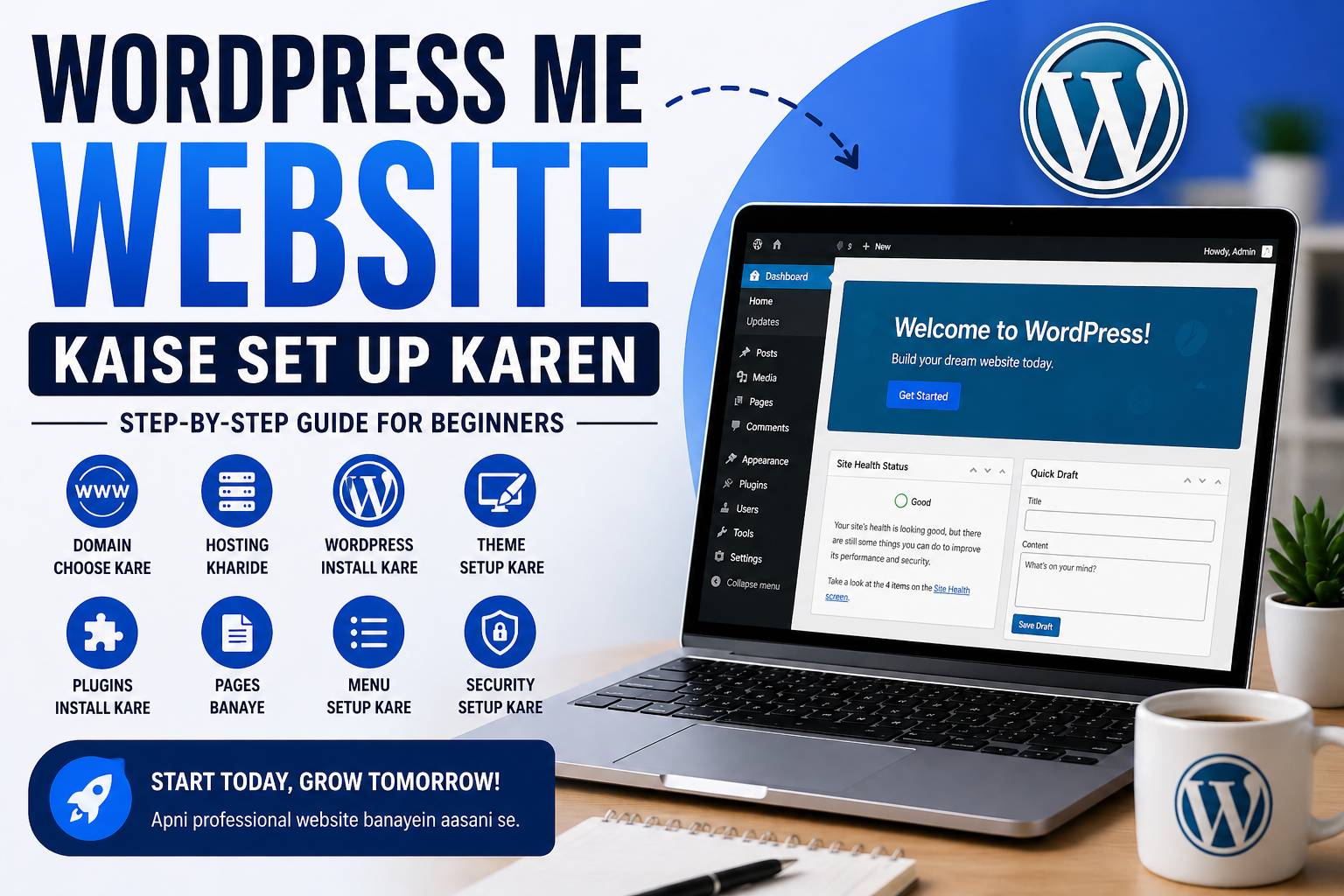
Aaj ke time me website hona luxury nahi, necessity hai — chahe aap freelancer ho, business owner ho, ya apna personal brand build karna chahte ho. Good news? Aap bina coding ke bhi WordPress par professional website bana sakte ho.
Is guide me hum zero se live website tak ka complete process cover karenge — beginner-friendly aur practical.
🧱 Step 1: Domain Name Choose Karna
Domain = aapki website ka naam (URL)
Example: yourbrand.com
👉 Tips:
- Short & easy rakho
- Brandable ho
- Numbers & hyphens avoid karo
Popular domain providers:
- GoDaddy
- Namecheap
🌐 Step 2: Web Hosting Kharidna
Hosting = jahan aapki website ka data store hota hai
👉 Beginners ke liye best:
- Hostinger
- Bluehost
👉 Kya dekho:
- Speed (SSD storage)
- Uptime (99.9%+)
- Free SSL
- 1-click WordPress install
⚙️ Step 3: WordPress Install Karna
Most hosting me 1-click install hota hai
Steps:
- Hosting dashboard open karo
- “Install WordPress” option select karo
- Website name + login details fill karo
- Install pe click
👉 5 min me WordPress ready 🎉
🎨 Step 4: Theme Install Karna
Theme = website ka design
👉 Free themes:
- Astra
- GeneratePress
👉 Steps:
- Dashboard → Appearance → Themes → Add New
- Theme search karo → Install → Activate
🧩 Step 5: Important Plugins Install Karna
Plugins = extra features add karte hain
👉 Must-have plugins:
- Elementor (design)
- Yoast SEO (SEO)
- WPForms (contact forms)
📄 Step 6: Basic Pages Create Karna
Har website me ye pages hone chahiye:
- Home
- About Us
- Services / Courses
- Contact Us
👉 Pages → Add New → Content likho → Publish
🔗 Step 7: Menu Setup Karna
- Appearance → Menus
- Pages add karo
- Navigation set karo
🔒 Step 8: SSL & Security Setup
SSL = HTTPS (secure website)
👉 Hosting se enable karo
👉 “Really Simple SSL” plugin use kar sakte ho
🚀 Step 9: Website Live Karna
Final checklist:
- Mobile responsive ✔
- Pages complete ✔
- Speed check ✔
👉 Ab aapki website LIVE hai 🎉
💡 Pro Tips (Game Changer)
- Blogging start karo (SEO traffic ke liye)
- Google Analytics + Search Console connect karo
- Fast hosting choose karo (ranking improve hoti hai)
🎯 Conclusion
WordPress par website banana difficult nahi hai — bas right steps + execution chahiye.
Agar aap is skill ko master kar lete ho, to aap:
- Freelancing kar sakte ho
- Apna business online le ja sakte ho
- Passive income generate kar sakte ho